
NanoBanana Pro Review: Full Guide On How To Upgrade Your AI Design Workflow
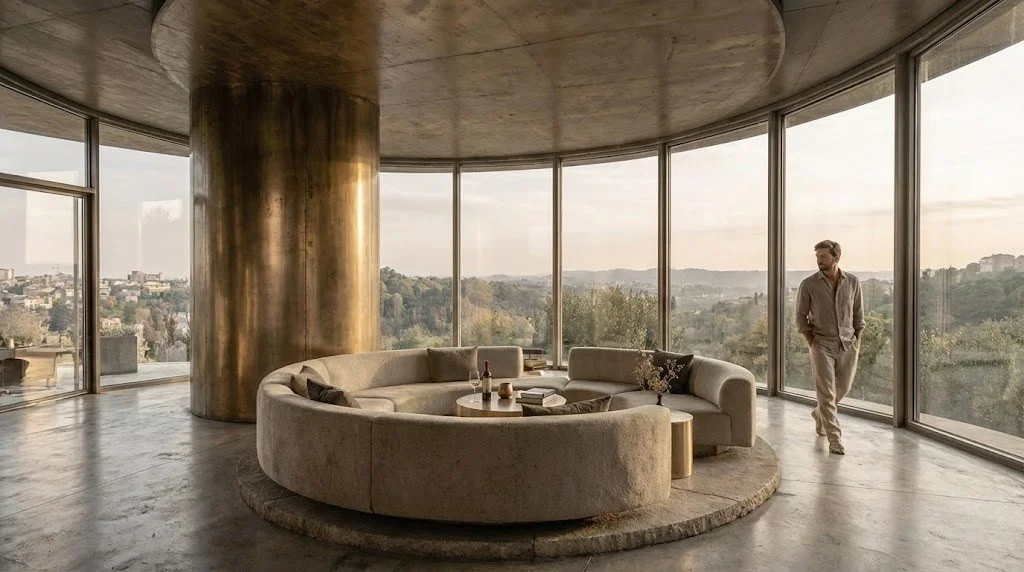
We've spent the end of 2025 studying, testing, and integrating NanoBanana Pro into our studio pipeline. This is what we learned and why it matters for the future of design practice.When NanoBanana Pro (Gemini 3 Pro Image model) landed in late 2025, it was a clear signal that image generation tools had moved beyond the experimental phase into becoming a studio-grade toolset ready for professional design workflows. It's one of the few AI image models we've used that feels built with designers in mind, not just for them. It promised studio-quality rendering, precise control over camera and lighting, multi-image consistency, and stronger text and diagram capabilities, all features that matter to design studios working across interiors, products, and vehicles.
After months of daily use in our interior design studio across interior, product, and transportation design projects, we can say this clearly: it's become a permanent part of how we work.
Below, we’ll share what it offers, how we implemented it in our design workflows, where it adds the most value, where it falls short, and some practical prompts and tips you can start using right away.
What Is NanoBanana Pro?
NanoBanana Pro is Google’s Gemini 3 Pro implementation for image generation and editing. It is available across the Gemini app, Google Slides, Google Ads, Workspace integrations, and enterprise APIs through Vertex AI—meaning it can live wherever your team already works.
The technical specifications matter less than what they enable: 4K-quality outputs, improved text rendering, multi-image consistency, advanced camera and lighting controls, masked editing, and multi-image fusion. But the real story is how these features work together to support the messy, iterative reality of design work.
What sets it apart:
Studio-grade fidelity: 4K resolution and material rendering that are sharp enough for client presentations
Multi-view consistency: Generate a design from multiple angles while maintaining visual continuity
Granular control: Specify focal length, depth of field, lighting presets, and material properties with predictable, photographic results
Iterative editing: Use masking and edit layers to refine selectively, not regenerate from scratch
Text and diagram clarity: Legible typography for signage, wayfinding, infographics, and annotated diagrams
Multi-image composition: Blend up to 14 reference images and maintain consistent faces and objects across compositions
Enterprise integration: Available through Vertex AI and native integrations with Adobe's toolset, plus Google Workspace tools
That integration strategy deserves emphasis. The embedding of NanoBanana Pro into Google Slides, Ads, and Workspace signals a shift from just an experimental tool to a production-ready asset. It's a tool designed to slot into existing professional pipelines, working alongside Photoshop, Illustrator, and the parametric CAD tools we already rely on.
When it comes to availability and access, NanoBanana Pro is free to try in the Gemini app with generation quotas, with expanded capacity available through paid Google One AI Plus plans. For studios that require API access and higher quotas, Vertex AI integration provides enterprise-grade scalability. If you’re in the early stages of exploration with this tool, we recommend the free tier, but heavy studio use justifies upgrading to paid tiers.



NanoBanana Thinking Mode & Search Grounding
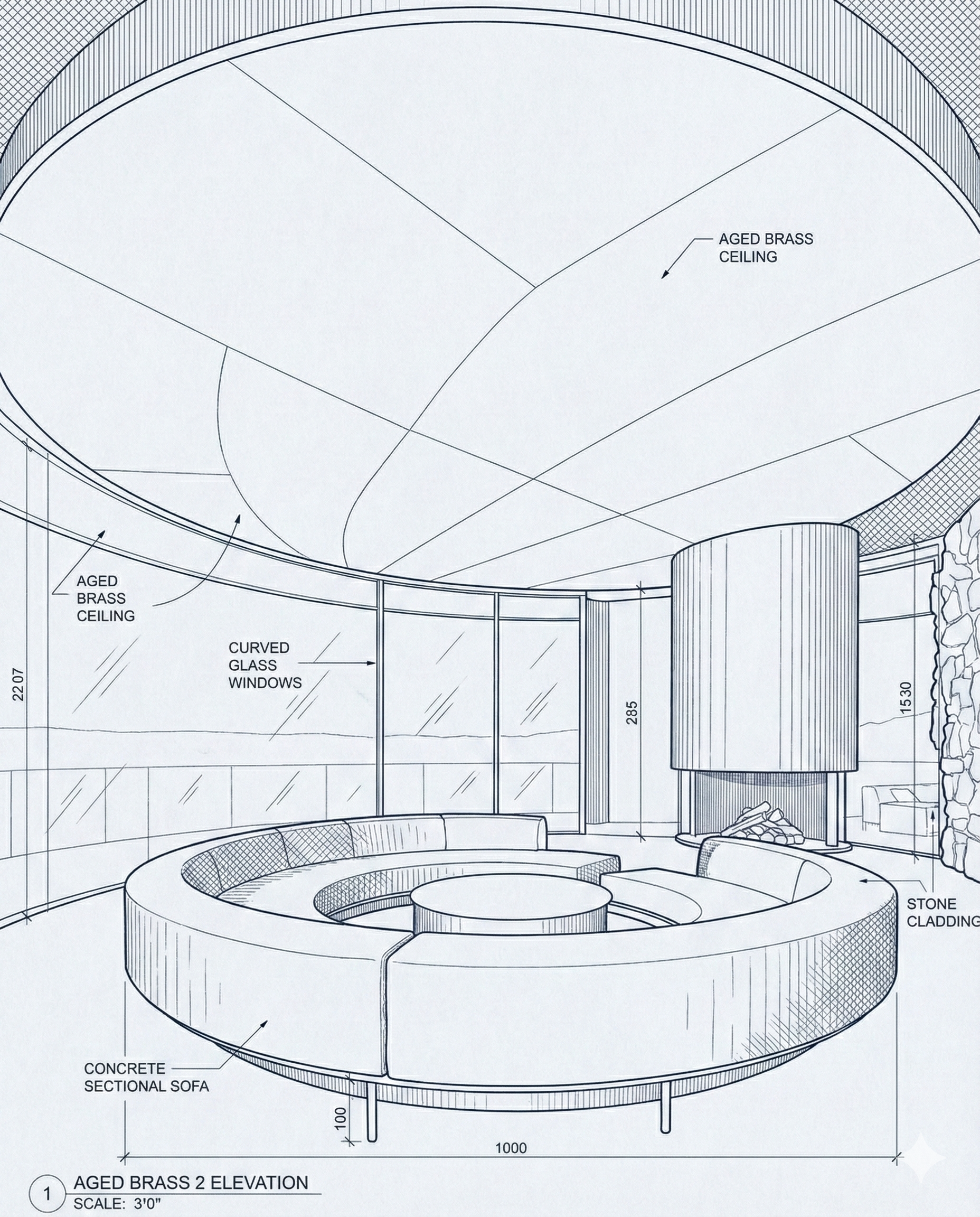
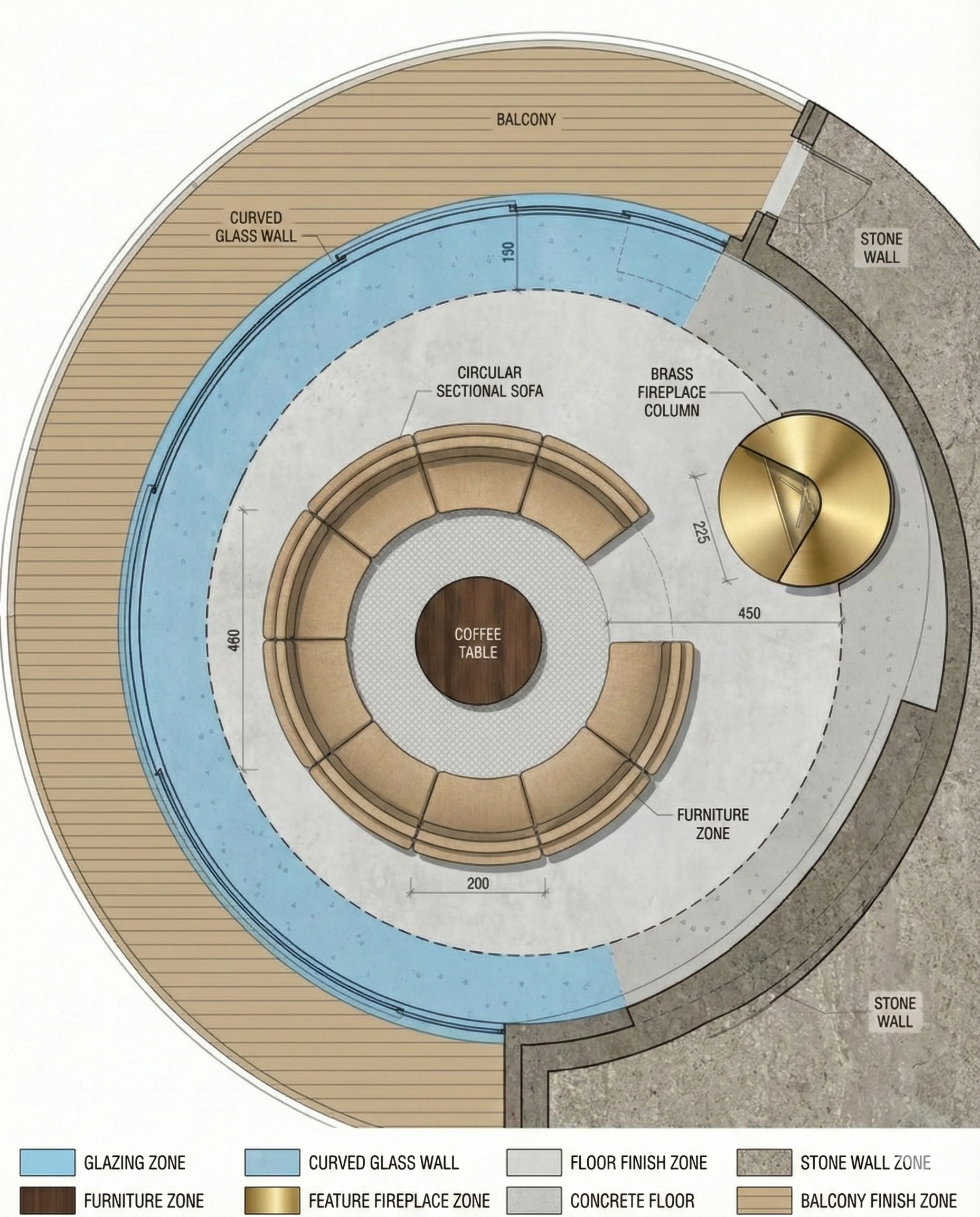
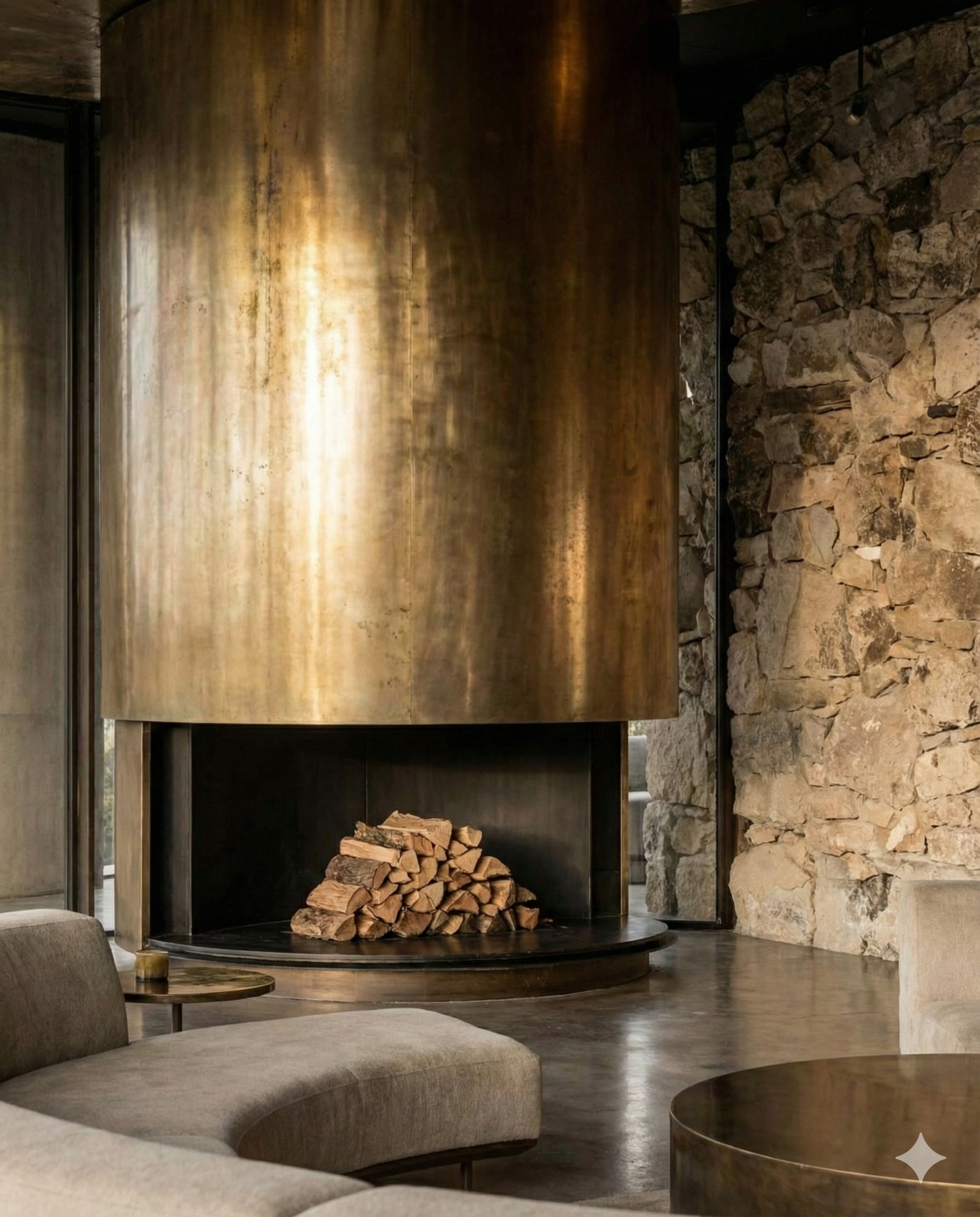
One of NanoBanana Pro's most significant advances is what happens before you see the final image. The model runs a behind-the-scenes "thinking" mode, a multi-step reasoning process that creates internal intermediate drafts and refines them into a coherent final image, and you can really feel this in the outputs. Complex scenes with multiple elements, precise spatial relationships, or layered compositions come out more coherent than we have experienced with previous models.
Another powerful update is the fact that NanoBanana Pro can ground images using real-time data from Google Search, enabling fact-based infographics, localized labels, and up-to-date visual diagrams. This transforms how we approach client presentations as we can generate context-aware visuals that pull live information like weather patterns, transit schedules, and technical specifications directly into the composition.
Where We See NanoBanana Heading
For years, AI image generation has been caught in a strange limbo where outputs were often stunning but rarely useful. Most design studios found that too unpredictable for client work, too inconsistent for multi-view designs, and something that felt divorced from design thinking to matter beyond mood boards. There were a few platforms that were trying to break the mold, but their adoption into the design workflow was slow and demanded a lot of editing and revision on the designer's part.
NanoBanana Pro crosses an important threshold: it’s stable and controllable enough to earn a place inside everyday studio workflows.
Looking ahead to 2026, we see a clear split emerging:
Designers who use AI to expand exploration, test more variables, and spend more time on decisions that matter
Designers who resist it, treating AI as a threat rather than a tool
We believe the former group will simply design better work, faster. Not because AI replaces craft or human thinking, but because it removes a whole lot of friction from the exploration stages. You can test ten material palettes in the time it used to take to set up one render, meaning you can now show a client five lighting scenarios with speed and ease, and before you spend hours building in more complex tools like CAD.
In our opinion, the designers who thrive will be the ones who understand that more options don’t mean less thinking. It means better-informed decisions.

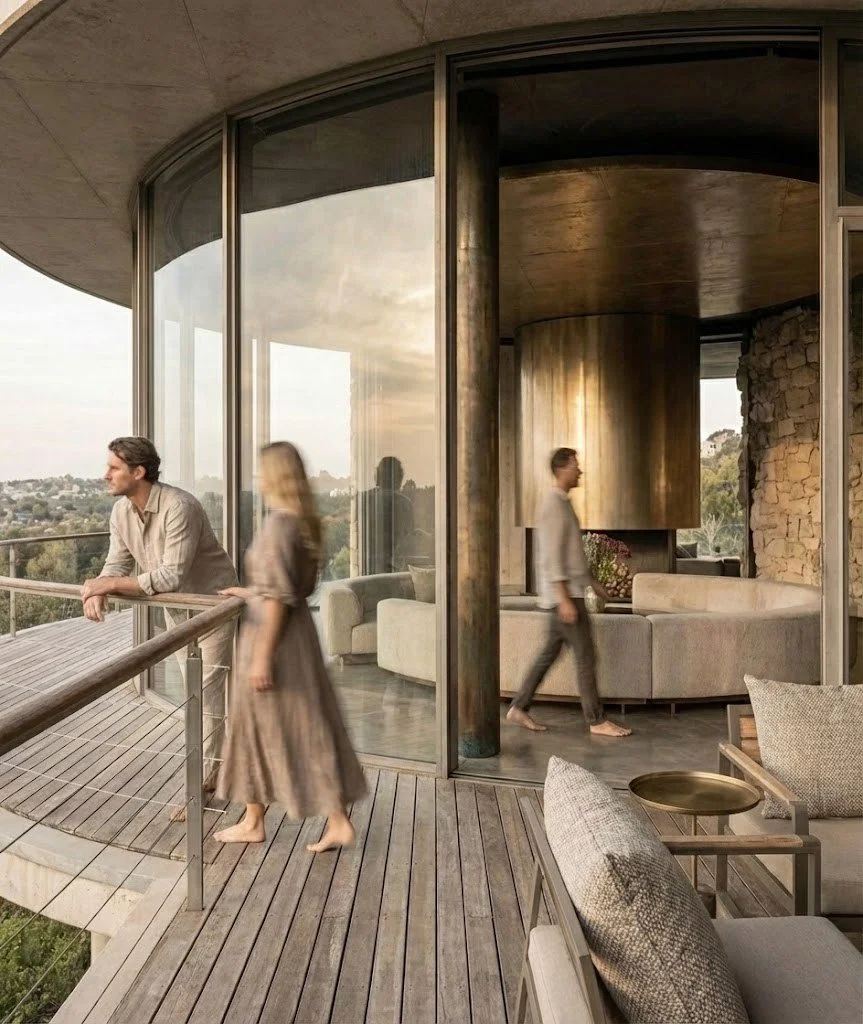
How NanoBanana Pro Fits Into Our Studio Workflow
We primarily use NanoBanana Pro in the early-to-mid stages of interior design projects where atmosphere, narrative, and emotional clarity are critical.
Rather than treating it as a final rendering engine, we use it as an exploration accelerator.
Where it adds the most value
Rapid concept and mood exploration
Lighting and material studies
Perspective shifts without rebuilding scenes
Iterative refinement based on client feedback
Interior design often fails or succeeds on feeling, and floor plans and technical drawings rarely communicate that on their own. NanoBanana Pro helps us bridge that gap quickly, giving clients a shared visual language early in the process.
What it enables (without overcomplicating things)
Test multiple lighting moods in minutes
Explore camera angles that change spatial perception
Refine or remove elements without restarting
Zoom into storytelling details that anchor emotion
Final Verdict: NanoBanana Pro
NanoBanana Pro is one of the few AI image models that genuinely begin to bridge the gap between rapid ideation and studio deliverables. For concept work, mood exploration, CMF studies, and client storytelling, it performs well, with its multi-image consistency and edit layers significantly reducing iteration time, making it a super practical tool in our design pipelines.
In head-to-head tasks involving complex compositions, multilingual typography, and multi-view consistency, Pro performs at the leading edge of current image generation capabilities. The combination of technical advances like thinking mode, search grounding, identity control, and granular photographic controls makes it uniquely suited for professional design work.
That said, it is an accelerant, not a replacement, and we still pair its outputs with careful craft, like sketch refinement, CAD validation, and material testing.
Our position is simple: Use NanoBanana Pro to expand possibilities. Use human craft and imagination to choose the right one.
The future of design won't be defined by who uses AI and who doesn't; it will be defined by who uses it well, with intention, rigor, and an understanding that the best tools amplify human judgment, they don't replace it.
Explore More from the Studio
Design Portfolio: See our ongoing AI-driven experiments, design studies, and projects.
Resources & Tools: Explore our curated AI design workflows, guides, and downloadable tools.
Collaboration & Commissions: Looking to bring a futuristic design concept to life? Let’s talk.
